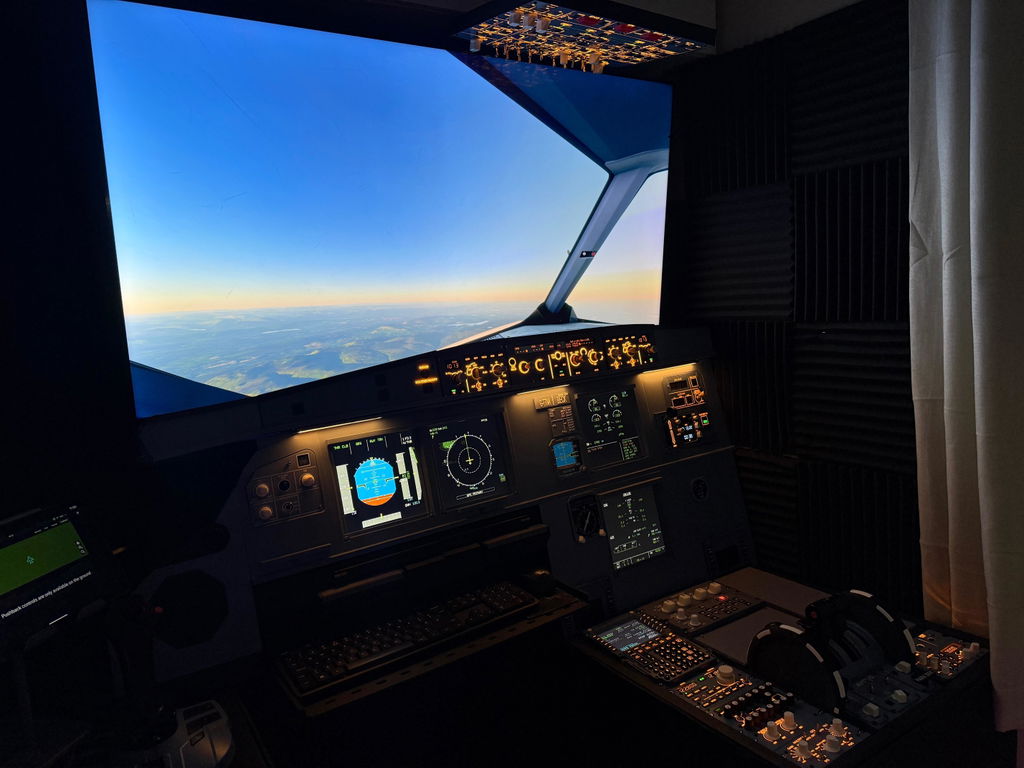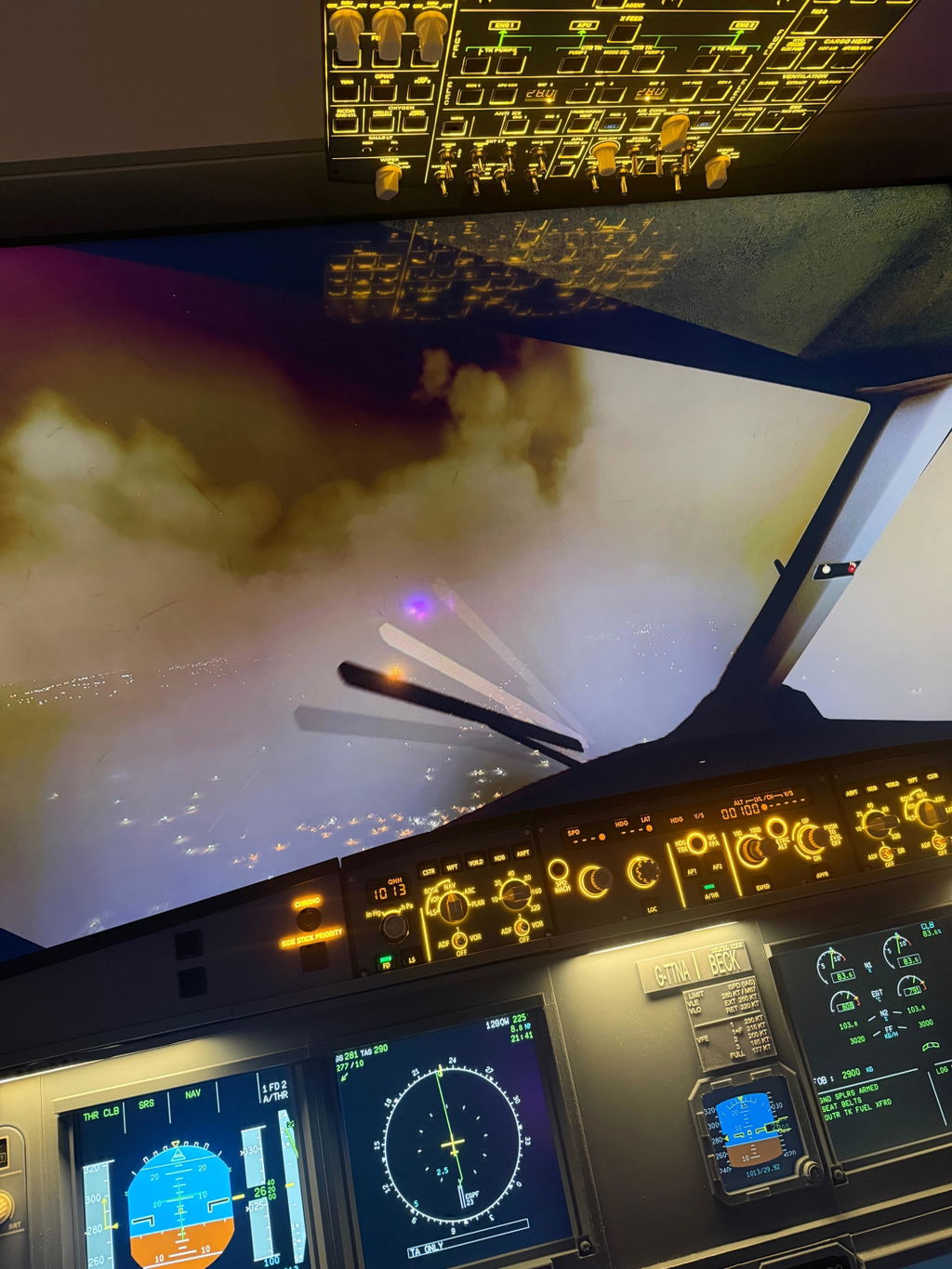

Starting flight simulation can feel overwhelming due to the wide range of hardware options.
This guide simplifies everything into a clear step-by-step roadmap.
Step 1: Choose Your Simulator Platform
Popular options include:
- Microsoft Flight Simulator (MSFS)
- X-Plane 11 / 12
- DCS World
Each platform supports different levels of hardware integration.
Step 2: Select Your Aircraft Type
Your cockpit setup depends on your aircraft choice:
- Airbus A320 (modern airliner)
- Boeing B737 (classic airliner)
- General Aviation (G1000 systems)
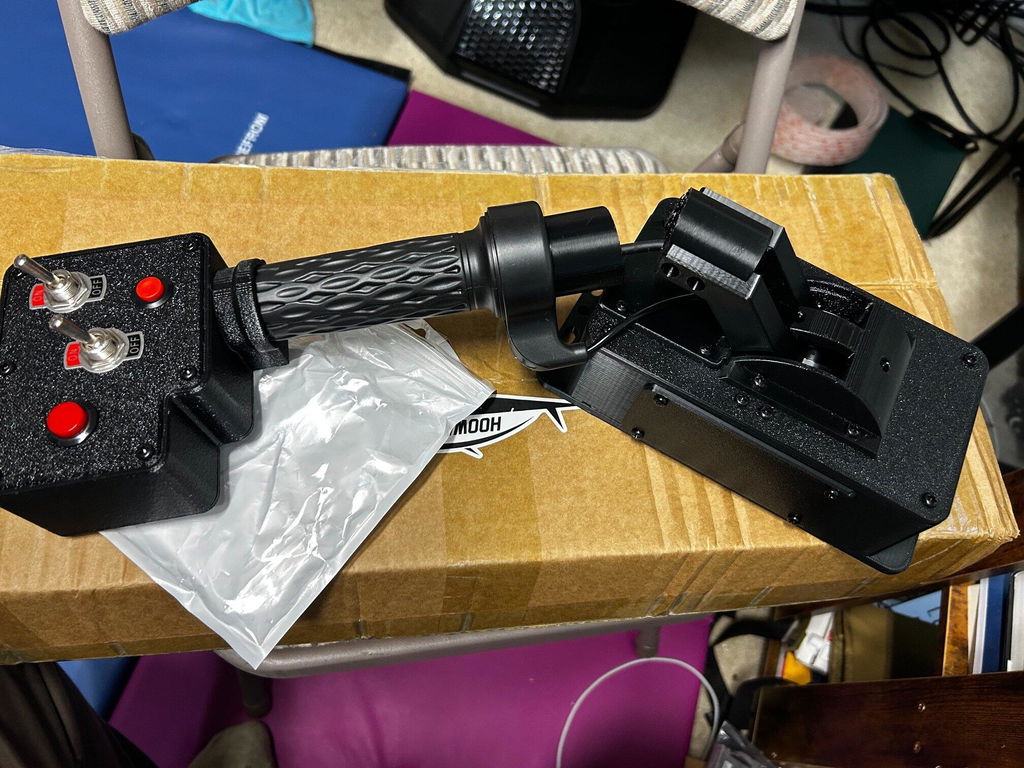
Step 3: Start with Core Controls
Begin with the essentials:
- Primary flight controls
- Autopilot system
- Navigation displays
- Basic switch modules
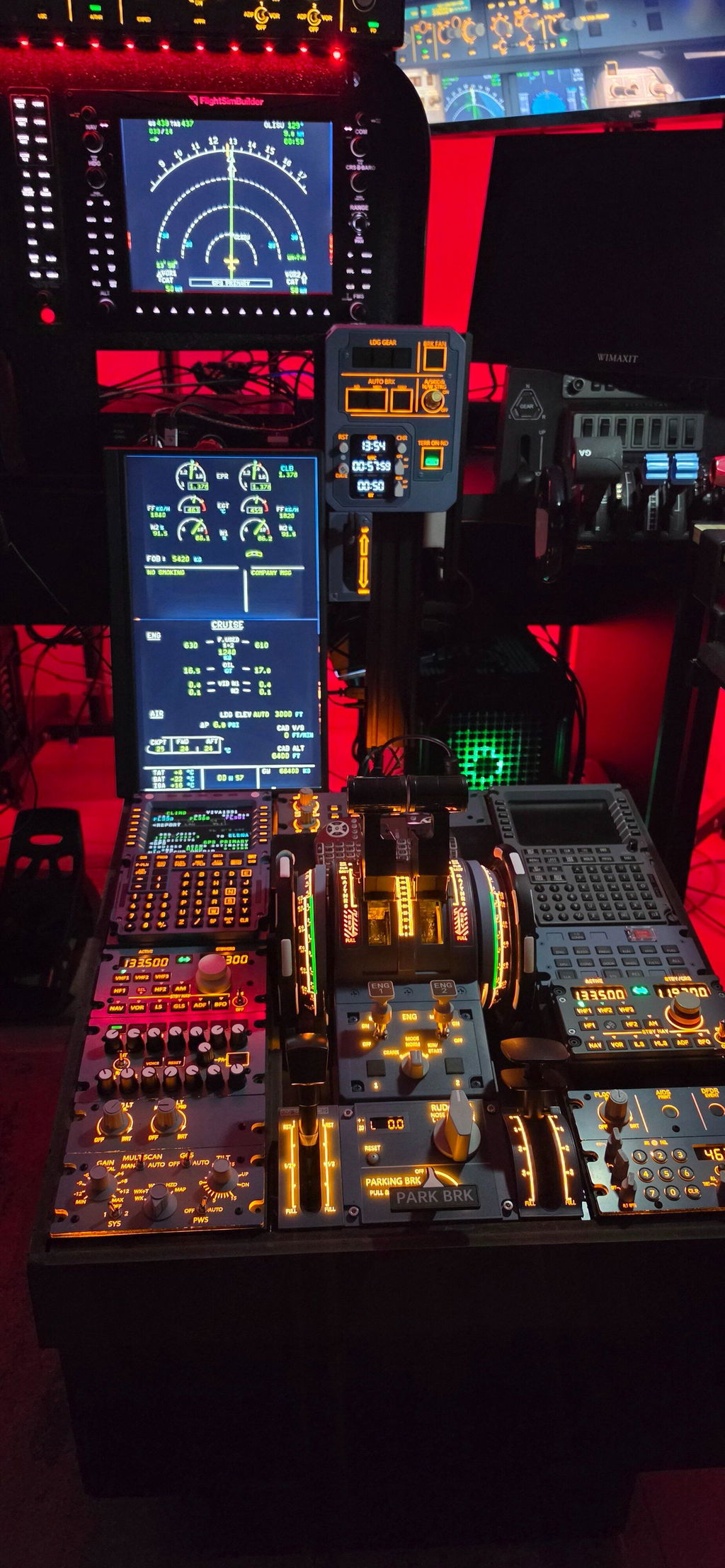
Step 4: Expand Into a Full Cockpit
As your setup evolves, you can add:
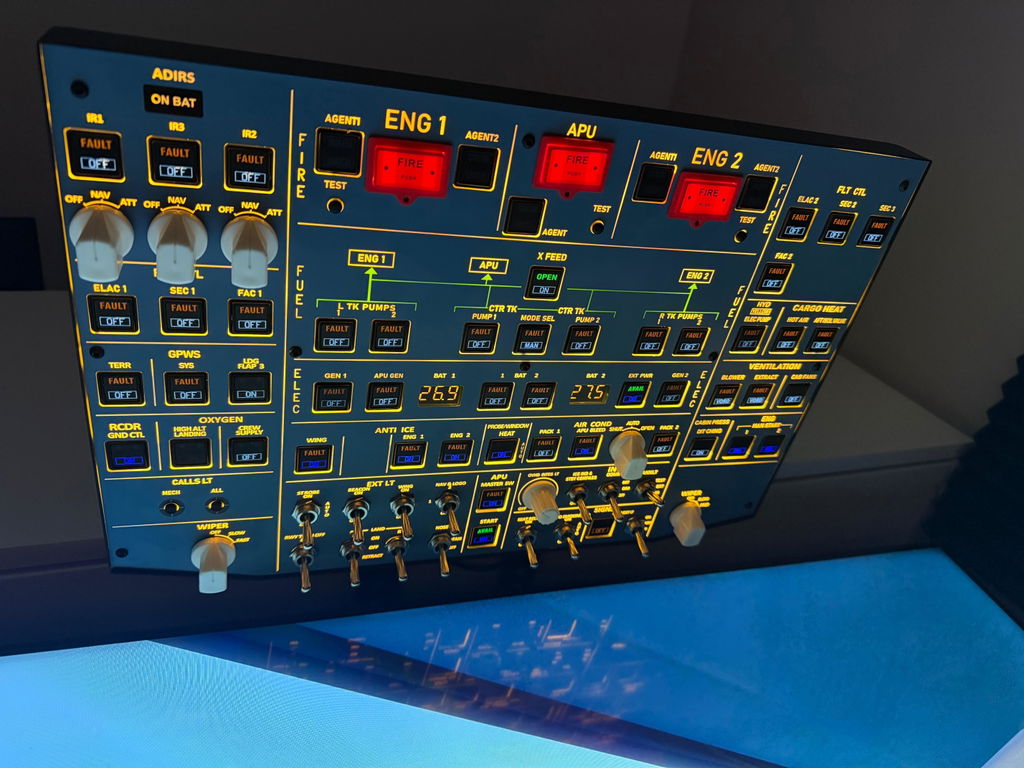
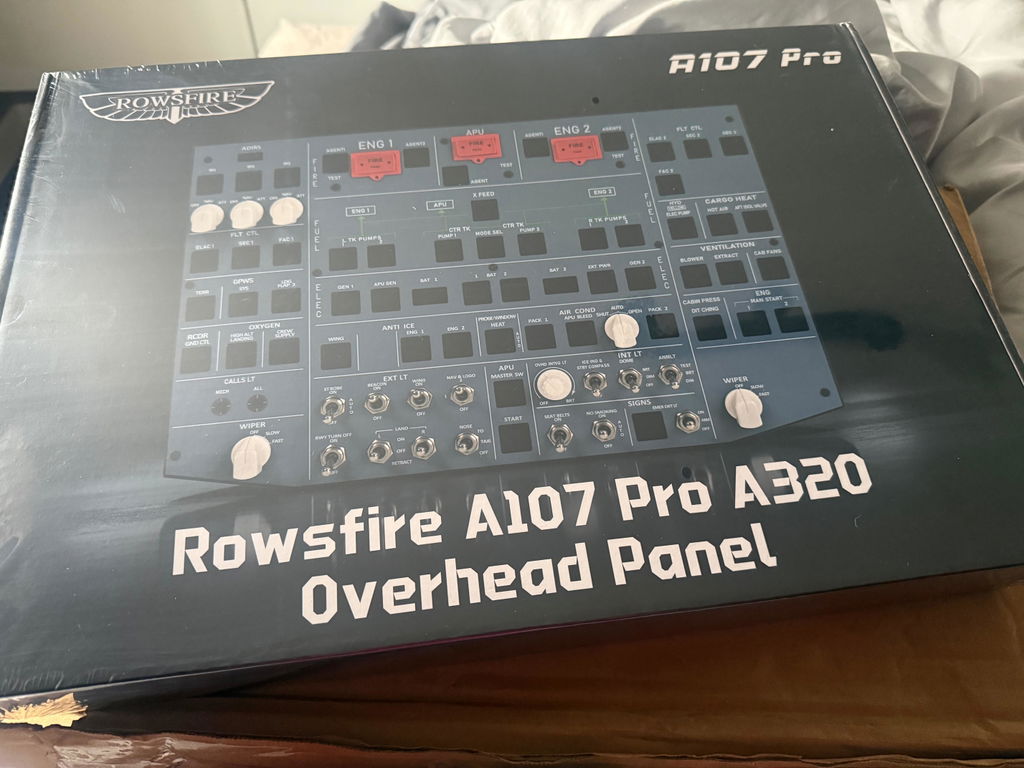
- Overhead systems
- Additional displays
- Full cockpit frame
At this stage, your simulator begins to feel like a professional training environment.
⚠️ Common Beginner Mistakes
- Buying too many modules at once
- Mixing incompatible aircraft systems
- Ignoring software setup requirements
🚀 Start Your Flight Simulation Journey Today
The best approach is to build step-by-step, not all at once.
👉 Explore modular cockpit systems at MechDIY:
http://mechdiy.com/collections/airbus-input-devices