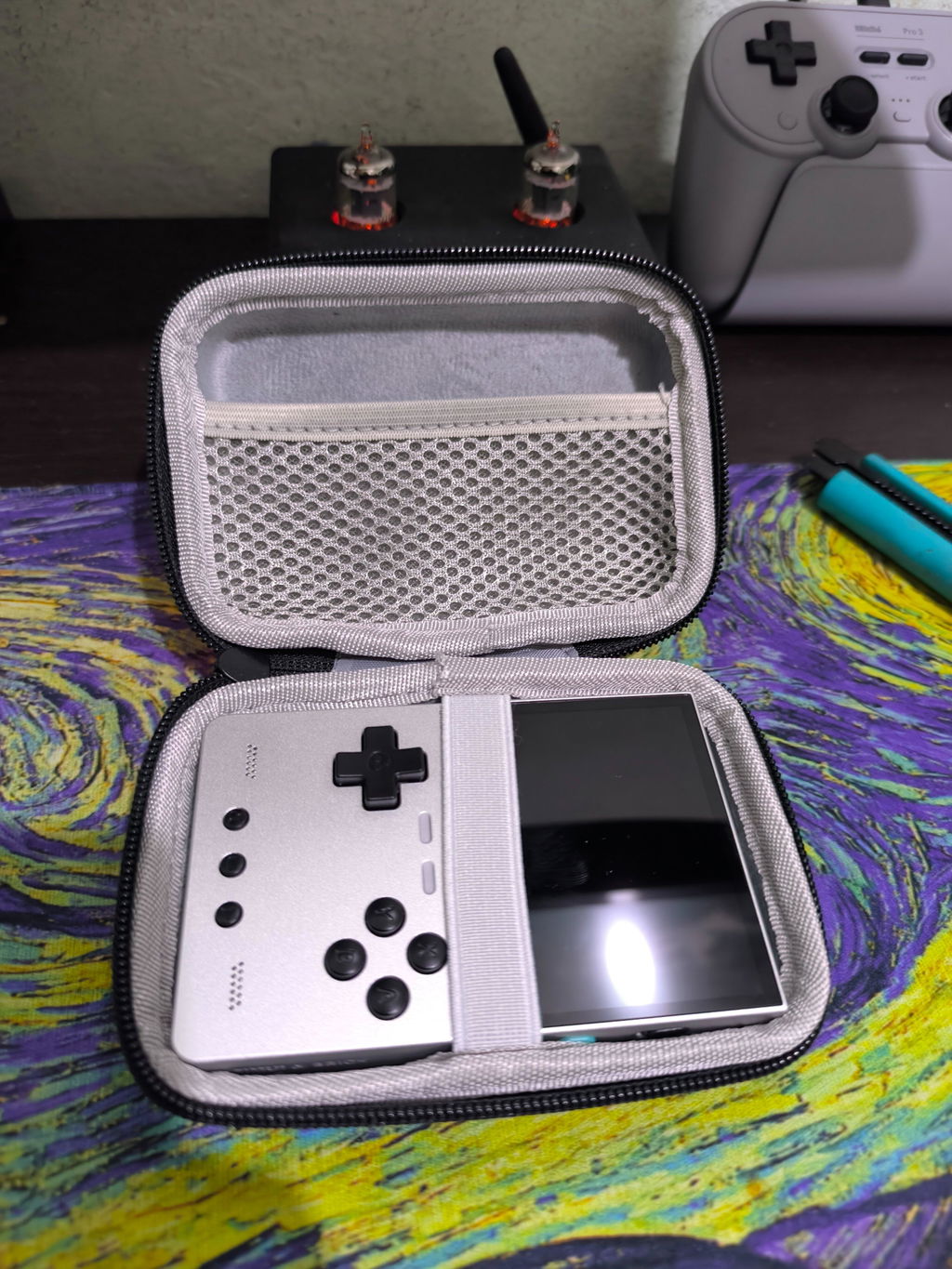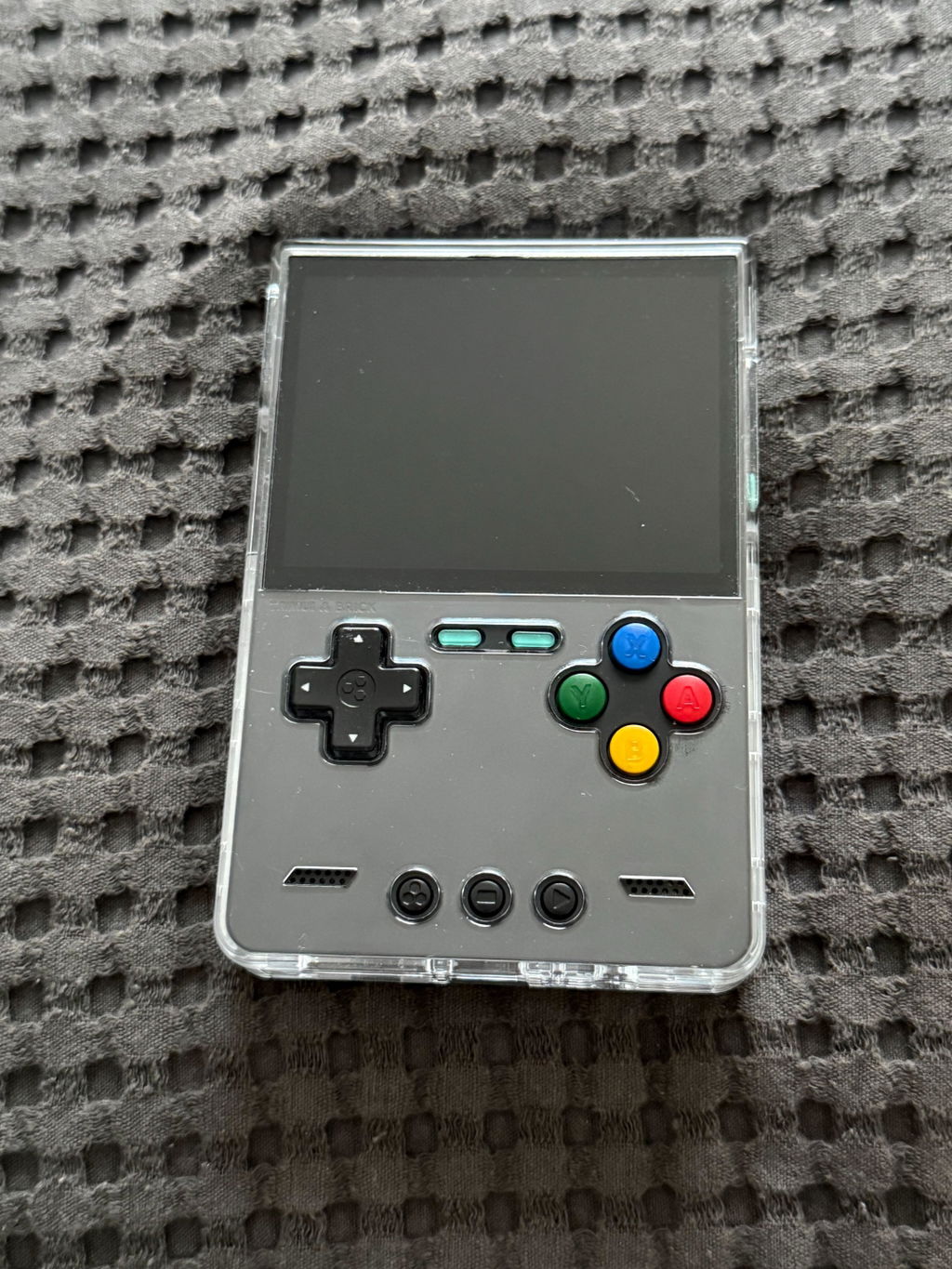

The TrimUI Brick Pro already has the hardware to make retro gaming enjoyable. But for experienced handheld users, hardware is only half of the experience.

The operating system determines how quickly you can find a game, how easily you can switch between titles, how much time you spend configuring emulators, and how smoothly everything fits together.
That is where CrossMix-OS comes in.
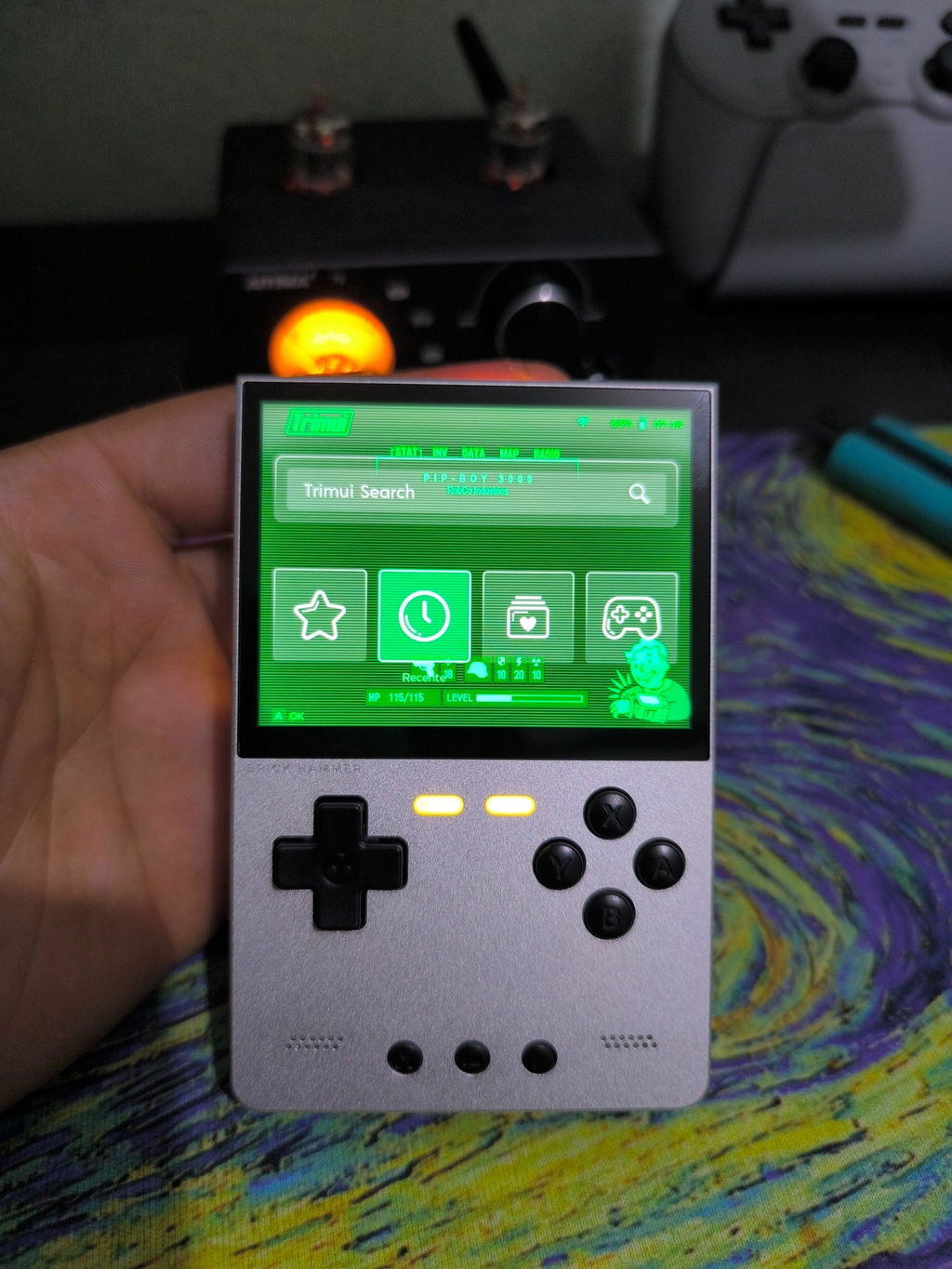
Surwish CrossMix-OS for TrimUI Brick Pro combines carefully tuned emulation, system tools, customization features, and a curated game environment into a ready-to-use setup.
More Than Just a Custom Firmware
If you have used CrossMix-OS before, you probably already know the basics. This version is aimed at going beyond the standard experience.
Instead of focusing only on adding more emulators or games, the system brings together a large number of small quality-of-life improvements that make the Brick Pro easier and more enjoyable to use every day: playtime tracking, faster game navigation, automatic resume, quick emulator switching, customizable startup behavior, Night Mode, system maintenance tools, and expanded emulator support.

A Ready-to-Play Retro Gaming Environment
One of the biggest advantages of the Surwish CrossMix-OS card is that much of the complicated setup work has already been handled.
The system comes with pre-configured emulators, required BIOS files, optimized settings, and a carefully organized game environment. Emulators are individually configured for the Brick Pro, while multiple emulator options can be selected directly from the game interface when available.
Insert the card. Boot the Brick Pro. Start playing.


Auto-Resume: Pick Up Exactly Where You Left Off
One of the most useful everyday features is Auto-Resume.
Enable Resume at Boot, power down your Brick Pro, and return later to continue from where you stopped. There is no need to navigate through menus and search for the same game again.
Put it down.
Come back later.
Keep playing.
Activities: Your Personal Gaming Dashboard
CrossMix-OS includes Activities, which turns your game history into something much more useful.
Activities keeps track of the games you have played and records information such as playtime and previous sessions. You can sort your library by last played, name, time spent, or number of sessions, while filtering games by platform.
The Game Switcher also lets you jump directly between recently played games without going back through the entire library.
Fast Navigation for Large Game Libraries
A large game library is only useful if you can actually navigate it quickly.
CrossMix-OS adds quick letter navigation using L2 and R2. When browsing a game list, pressing either trigger jumps to the previous or next letter, making it easier to find a title without scrolling through hundreds of entries.
The customized system also provides tools for search, favorite sorting, title normalization, scraping, playlist management, and other library functions.

Choose How Your Brick Pro Behaves
CrossMix-OS gives you more control over how the system starts and operates.
With Startup App, you can choose whether the Brick Pro launches into the default interface, RetroArch, or Activities when the console boots.
You can also assign different emulators to individual games or entire game lists when multiple emulator options are available.
Night Mode and CPU Performance Controls
CrossMix-OS includes several features designed around real-world handheld use. Night Mode reduces screen brightness, lowers blue-light output, and disables RGB lighting for a more comfortable experience in darker environments.
CPU performance can also be switched between four profiles:

Powerful Tools Without Needing Linux Expertise
CrossMix-OS includes firmware backup, SD-card integrity checking, system diagnostics, CUE generation, M3U playlist generation, CPU performance controls, emulator cleanup, startup app selection, and more.
For advanced users, networking tools include FTP/SFTP, HTTP file sharing, SMB, SSH, Syncthing, Tailscale, and Wi-Fi management.
More Than Retro Games
CrossMix-OS is not limited to traditional emulation. The system supports a growing selection of standalone emulators and applications, including ScummVM, openMSX, FreeJ2ME, ZQuest Classic, Hypseus Singe, and Genesis Plus GX integrations.
There are also additional applications such as music players, ebook readers, media players, video tools, and TV streaming features.
Make the Brick Pro Look Like Yours
CrossMix-OS also puts a strong emphasis on customization.
The Surwish Brick Pro system includes more than 17 themes, 11 icon packs, and 7 background collections. Theme packs can combine the interface theme, boot logo, icons, wallpapers, emulator naming, and CrossMix UI style into one complete visual experience.
You can also customize RGB lighting, boot logos, overlays, FN key behavior, the in-game menu, and other parts of the interface.
Useful Shortcuts for Everyday Gaming
| Shortcut | Action |
|---|---|
| Fn1 | Switch CPU performance mode |
| Fn2 | Cycle screen brightness |
| L2 / R2 | Jump through game lists by letter |
| MENU + POWER (3 sec) | Force-exit a frozen game or app |
| MENU + START | Save and exit to Main UI |
| MENU + L2 | Load save state |
| MENU + R2 | Save state |
| MENU + UP | Take screenshot |
| MENU + X | Toggle FPS display |
The TrimUI Brick Pro: Hardware That Fits the System
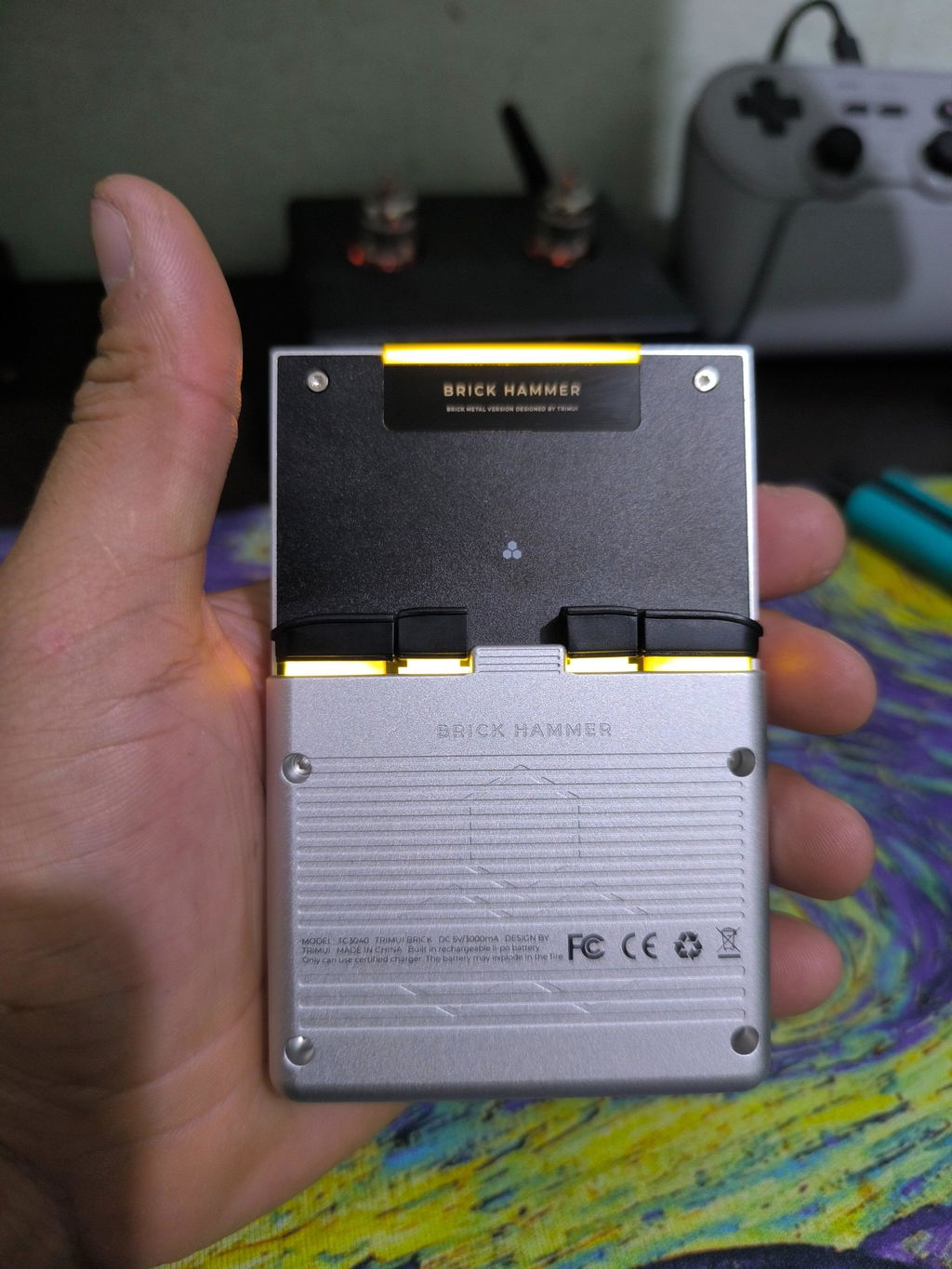
The software works particularly well because the Brick Pro itself is designed as a capable retro handheld. The 3.95-inch 1024×768 display provides a sharp 4:3 viewing experience, while Hall-effect joysticks, customizable shoulder buttons, a 5,000mAh battery, and the vertical form factor make it well suited to extended retro gaming sessions.
The Brick Pro U Hammer version takes the platform further with upgraded hardware and a full-metal design, giving users another option when performance and premium construction are priorities.
Why Choose the Surwish CrossMix-OS Version?
A standard TrimUI Brick Pro gives you the hardware. The Surwish CrossMix-OS system card adds the experience.
Pre-configured CrossMix-OS environment
Settings prepared for Brick Pro
Activities, Auto-Resume, save states and more
Themes, icons, overlays, RGB and boot logos
Maintenance, networking and library management
Standalone emulators and additional applications
A Better Brick Pro Starts With the Right System
CrossMix-OS is not just about adding more games. It is about making the games you already want to play easier to find, faster to launch, simpler to manage, and more enjoyable to return to.
Explore TrimUI Brick ProCrossMix-OS is an open-source project. The Surwish system card is a customized and optimized image prepared for the TrimUI ecosystem.