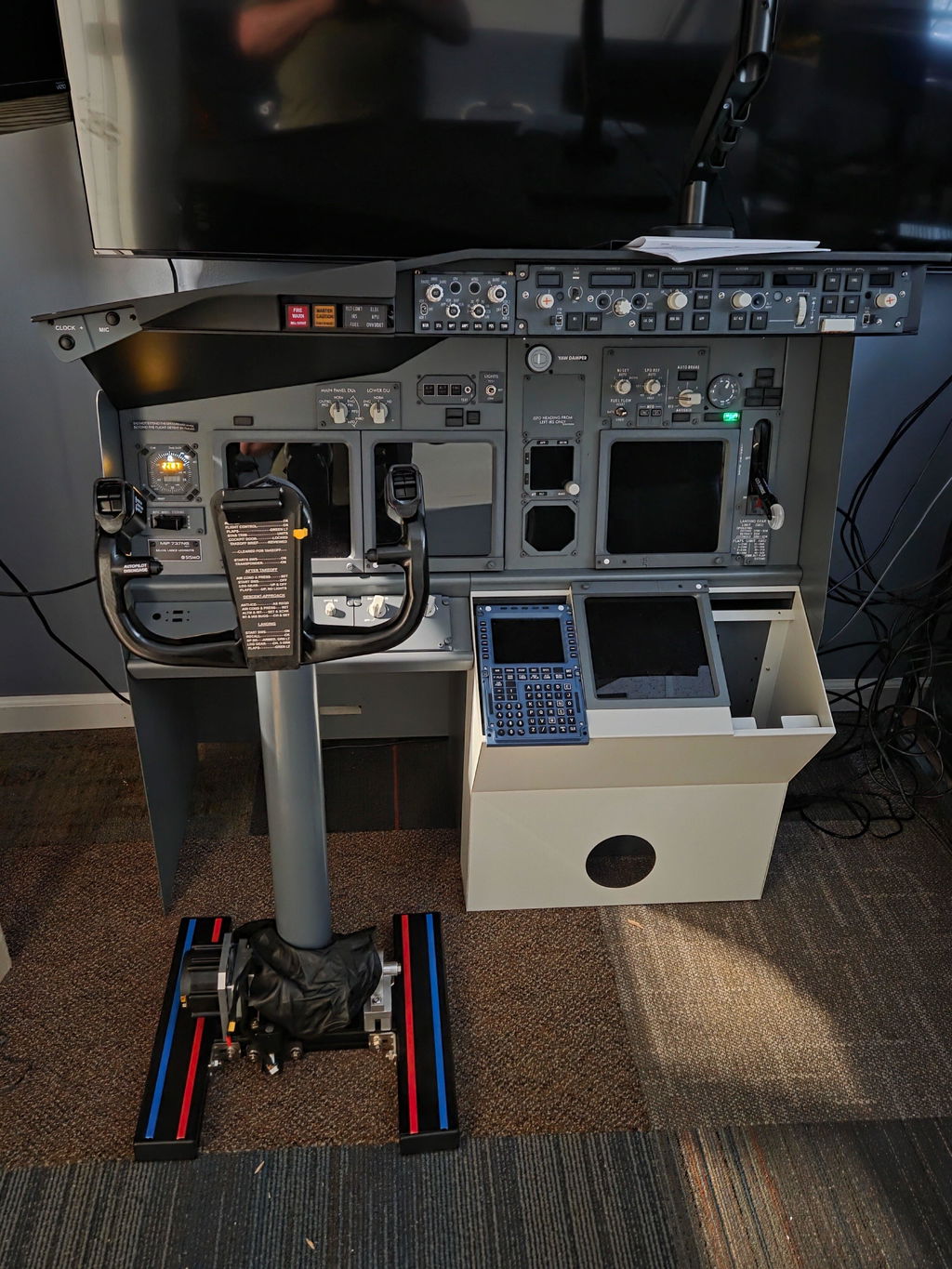

Introduction
Every home‑cockpit builder knows the pain: you have a great yoke, throttle quadrant, and great aircraft add‑ons, yet you still keep clicking virtual‑screen buttons for navigation tuning. Those mouse clicks instantly break that immersive pilot feeling.
For Boeing 737 fans, the ADF (Automatic Direction Finder) panel is one of those often‑missing pieces. It handles NDB beacon tuning for classic navigation approaches, an essential part of authentic 737 workflow.

The Hoowalt D204 B737 1:1 ADF Automatic Direction Finder Panel solves exactly this pain point. Built as a physical 1:1 scale recreation of the real‑world B737 ADF control unit, it brings real tactile knobs, push‑buttons and a crisp digital readout right onto your desk. Fully compatible with popular Windows flight sim titles, it’s perfect for desktop sim users, hobby cockpit builders and aviation‑style training setups.
In this blog, we walk through its real‑world design, hardware features, software compatibility and full specifications.
Authentic 1:1‑Scale ADF Cockpit‑Style Design
The Hoowalt D204 draws its layout directly from the real Boeing 737 ADF control panel found inside real jet cockpits. This is not just a generic flight‑sim box — every button and knob position mirrors the real aircraft layout, helping you build real muscle memory as you operate NDB navigation workflows.
When you are practicing NDB approaches, holding procedures or tuning ADF frequencies, you no longer need to click tiny on‑screen virtual elements. You reach out and turn physical hardware, just like airline pilots do. This small upgrade drastically boosts immersion for your whole flight‑sim experience.

Bright Digital Display & Complete Physical Controls
Nothing ruins a simulation flow more than squinting to read dim virtual numbers. The D204 comes with a bright digital display, clearly showing frequency codes for quick reading during busy flight phases. Even in mixed room lighting conditions, digits stay sharp and easy to parse.

All core ADF functions are mapped to real tactile hardware:
- TFR button: For quick swap between active and standby frequencies
- ADF / ANT selector switch: Toggle ADF navigation or antenna receive‑only mode
- TONE knob (OFF / ON): Toggle NDB beacon Morse‑code tone audio
- Dual‑layer adjustment knob: Precise tuning for standby and active frequencies
Each knob and button delivers satisfying tactile feedback. Turning the concentric dual‑layer knob feels solid and precise, replicating the feel of real‑avionics hardware.
Great Compatibility & Perfect For Home‑Cockpit Builders
This panel works on Windows PC and supports today’s most popular 737 simulation platforms: ✅ Microsoft Flight Simulator 2020 / 2024 ✅ X‑Plane 12 ✅ ZIBO 737 ✅ PMDG 737
Whether you run a simple desktop‑only setup, or you are assembling a full‑scale home‑cockpit project, this hardware fits your workflow. It fills a common gap in many builder setups: a dedicated physical ADF control unit without over‑expensive full‑cockpit pricing.
Thought‑Out Compact Angled‑Stand Form Factor
Many flight‑sim panels force you to lean forward to read displays or awkwardly reach for knobs. The D204 ships with a built‑in angled stand. It tilts the panel into a natural viewing and operating angle, so you can see the display and reach all controls comfortably while sitting at your sim station.
At only 14.5 × 8 × 6.5 cm, it has a compact footprint. It sits neatly beside throttles, MCP panels and other avionics modules without taking over your whole desk. You can expand your cockpit system piece‑by‑piece without space headaches.

Full Technical Specifications
表格
| Item | Details |
|---|---|
| Material | ABS Plastic |
| Product Weight | 250g |
| Package Weight | 800g |
| Product Dimensions | 14.5 × 8 × 6.5 cm |
| Package Dimensions | 20.5 × 11 × 14 cm |
| Packing | Graphic Carton |
| Age Rating | 16+ |
Who Should Buy the Hoowalt D204 ADF Panel?
- 737 simmer fans who practice NDB / ADF navigation approaches
- Home‑cockpit builders adding realistic avionics modules step‑by‑step
- Desktop flight‑sim users tired of clicking virtual‑panel menus
- Hobbyists wanting to build pilot muscle memory for real‑world‑style workflows
- Users flying PMDG737 or ZIBO737 inside MSFS or X‑Plane 12
Final Thoughts
Small avionics panels like the Hoowalt D204 make a huge difference to flight‑sim immersion. Instead of fighting with mouse‑driven virtual panels, you get physical knobs, buttons and readable hardware display matching real‑Boeing‑737 layout.
If you want to complete your B737 cockpit setup and enjoy authentic NDB navigation practice, the Hoowalt D204 is a practical, well‑built peripheral to add to your collection.
👉 Check out Hoowalt D204 B737 1:1 ADF Automatic Direction Finder Panel on Mechdiy: https://mechdiy.com/products/hoowalt-d204-b737-1-1-adf-automatic-direction-finder-panel
Shop tip: Use discount code NY12 for 12% OFF plus free shipping & duties.