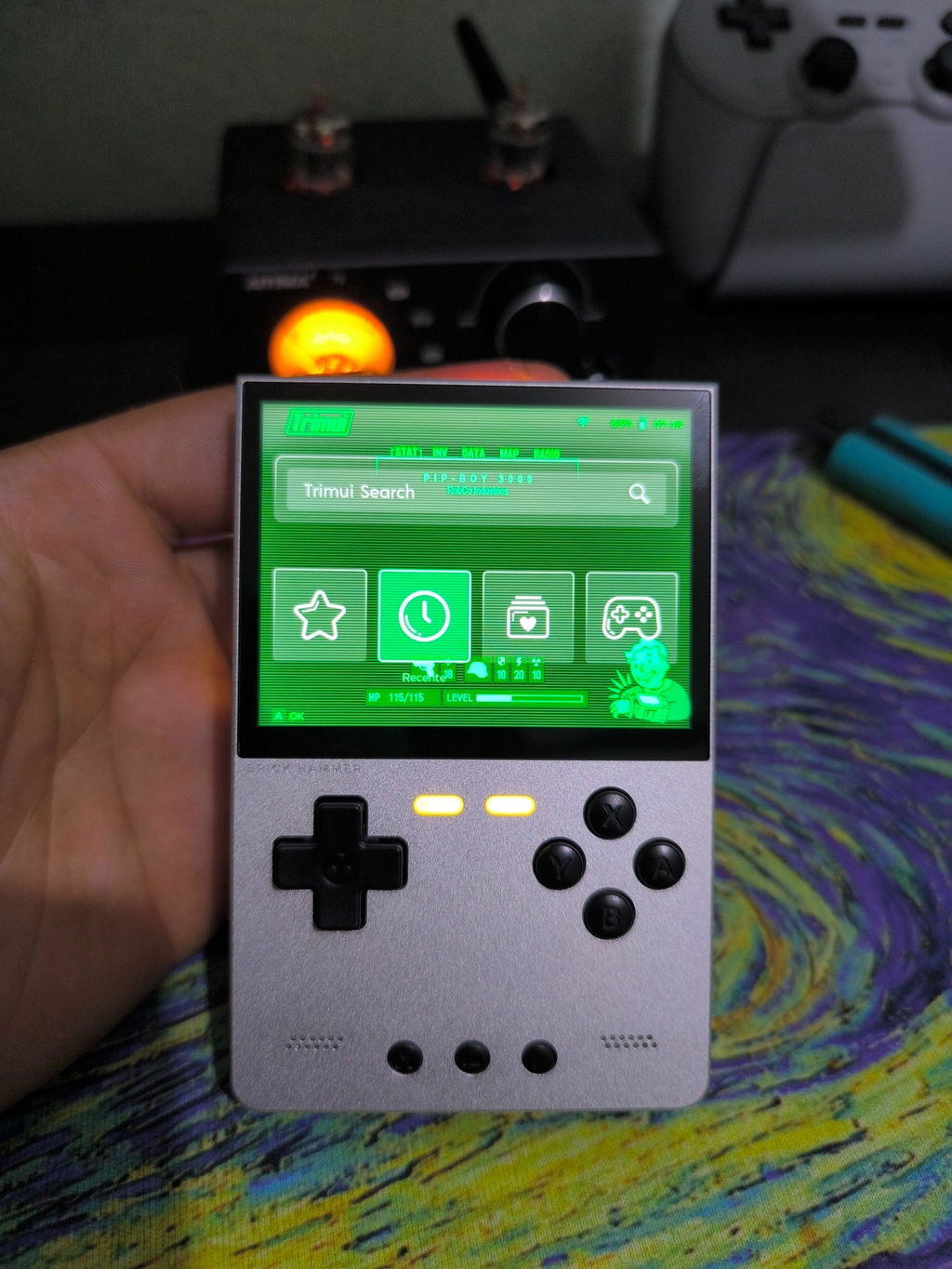

For new users of TrimUI Smart Pro S or CrossMix systems,
sometimes you might feel:
App icons are too big/too small
The text below the icons doesn't look good
You want a cleaner interface, but don't know where to start.
Actually, CrossMix provides very intuitive settings options, which can be done in just a few simple steps within the system.
Let's go through the steps below 👇
Step 1: Access the System Menu On the main interface, go to Apps → System Tools

Step 2: Go to Theme Settings. In System Tools, select "Themes".

Step 3: After clicking Themes, select "Advanced Settings".

Step 4: In Advanced Settings, find the "Titles Fontsize" option:

This will change the size of the app icons. You can also adjust it repeatedly according to your preferences and check the effect in real time.