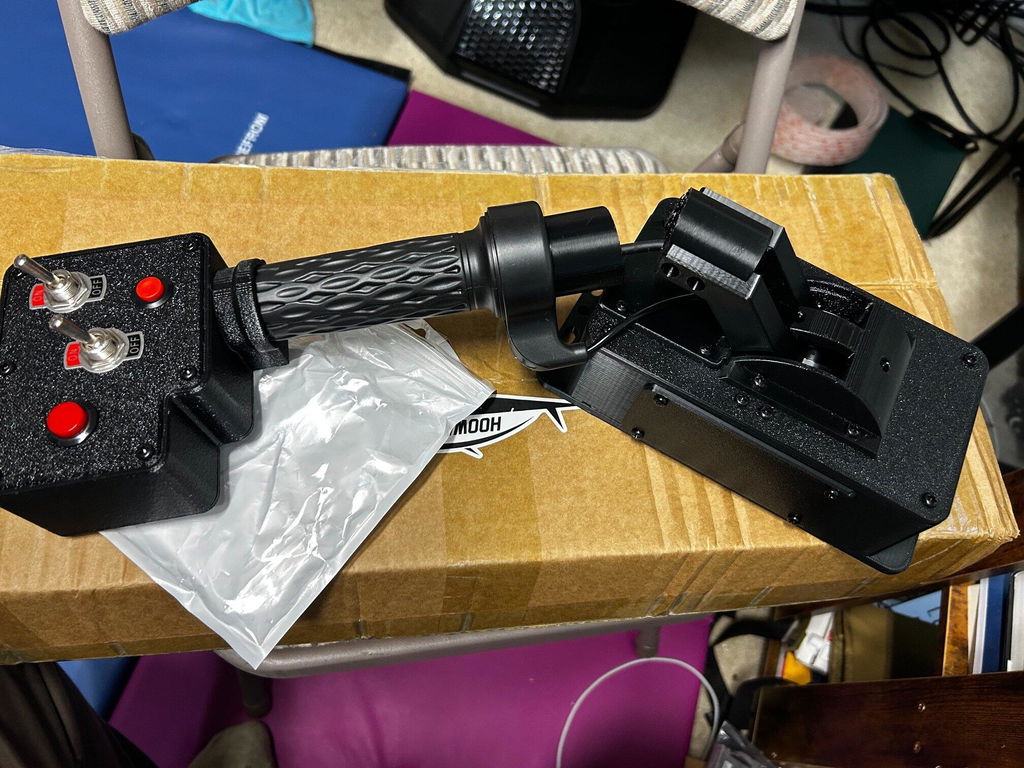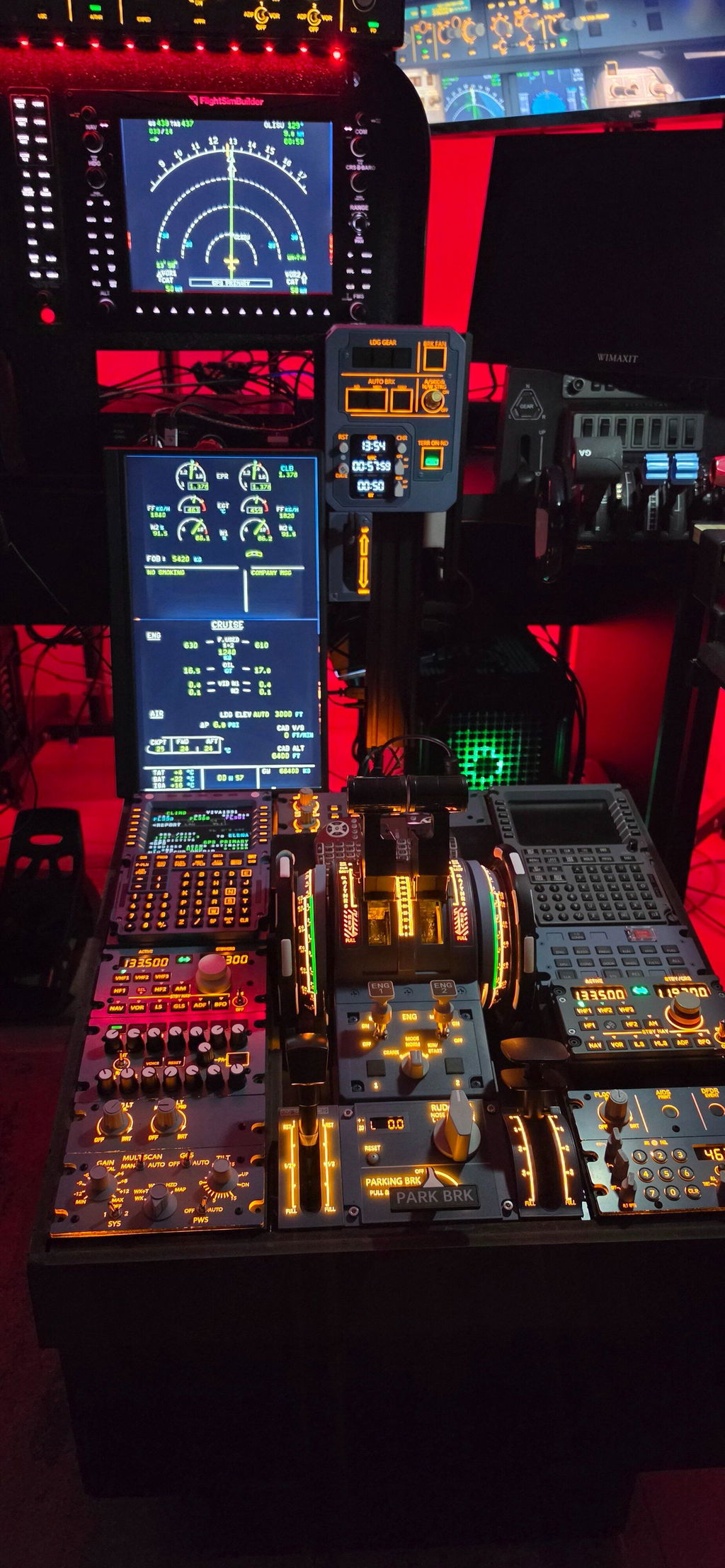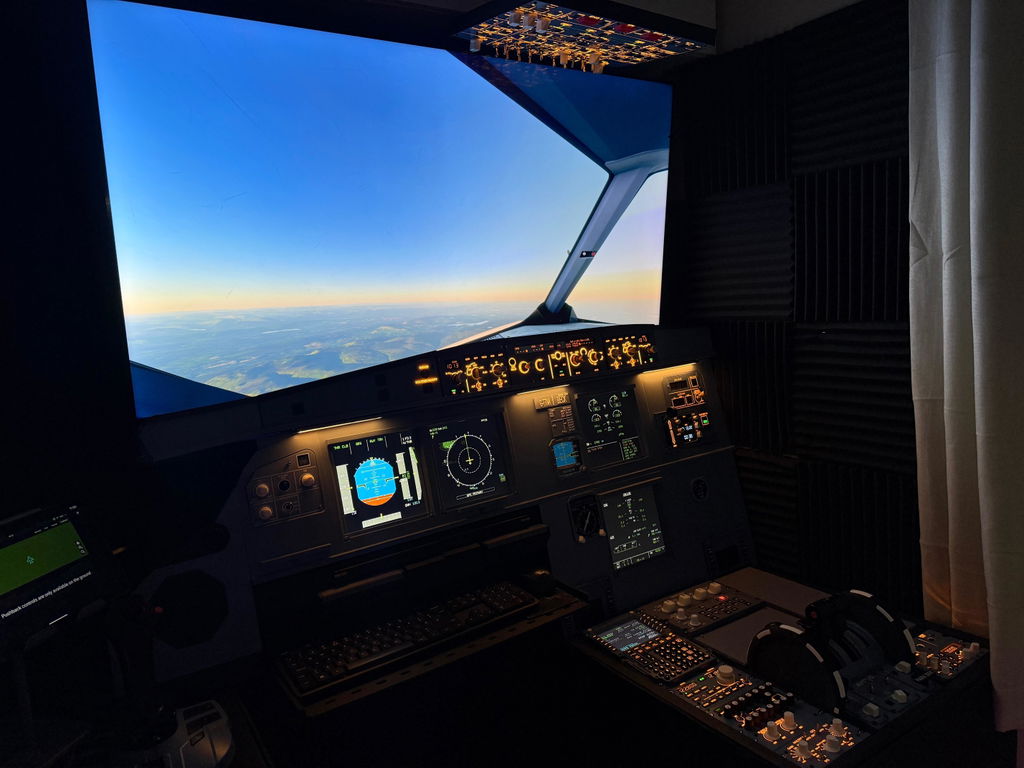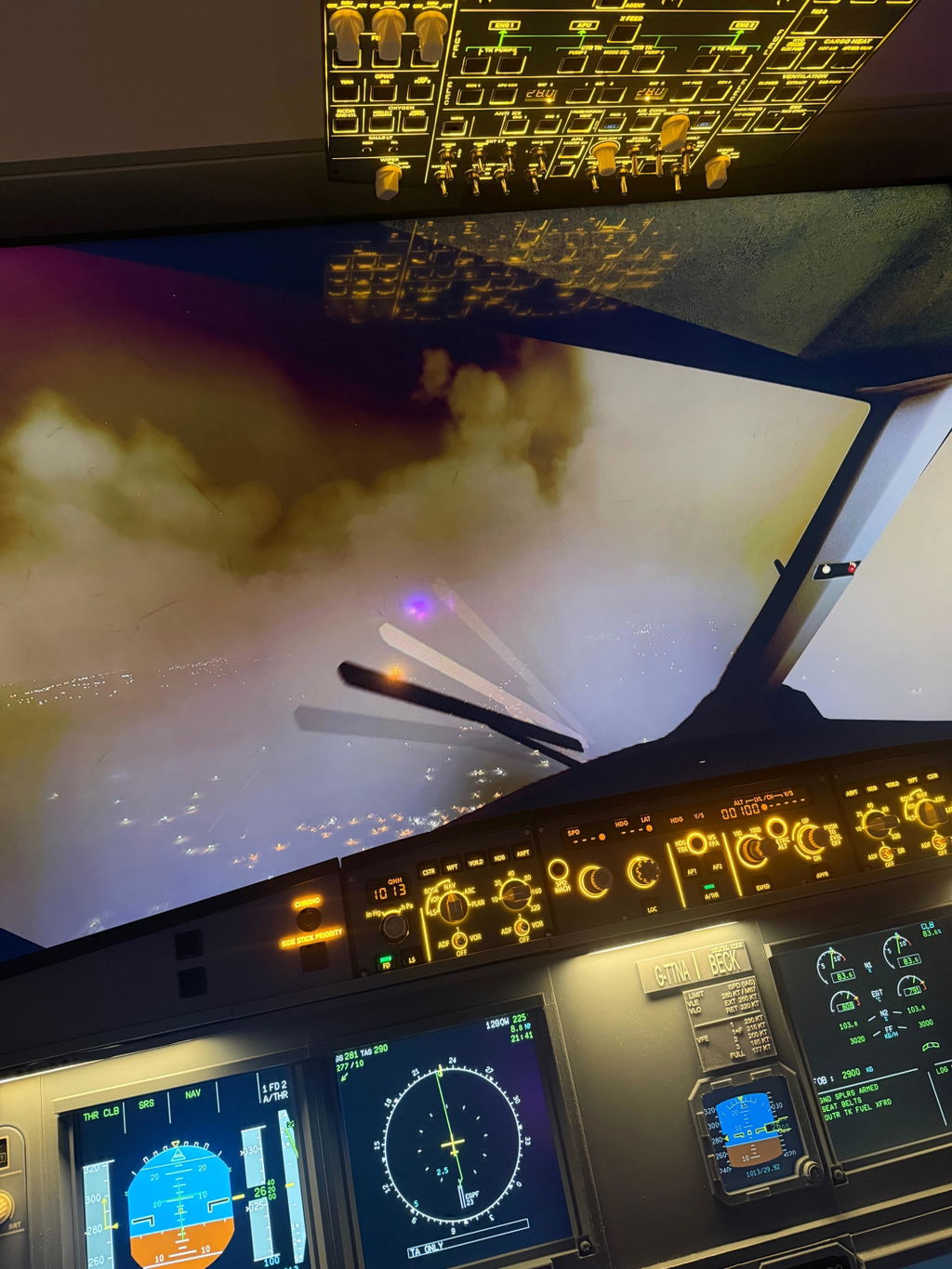

If you want to take your Microsoft Flight Simulator or X-Plane experience to the next level, building a full home cockpit system is the most immersive upgrade you can make.
Modern modular flight simulator hardware now allows enthusiasts to build a cockpit step-by-step, just like assembling a real aircraft system.
1. What Makes Up a Full Home Cockpit?
A professional-grade flight simulator cockpit usually includes:
- ✈️ Flight Control Panels (FCU / MCP)
- 🧭 Navigation Displays (PFD / ND / MFD)
- 🔘 Switch & System Control Modules
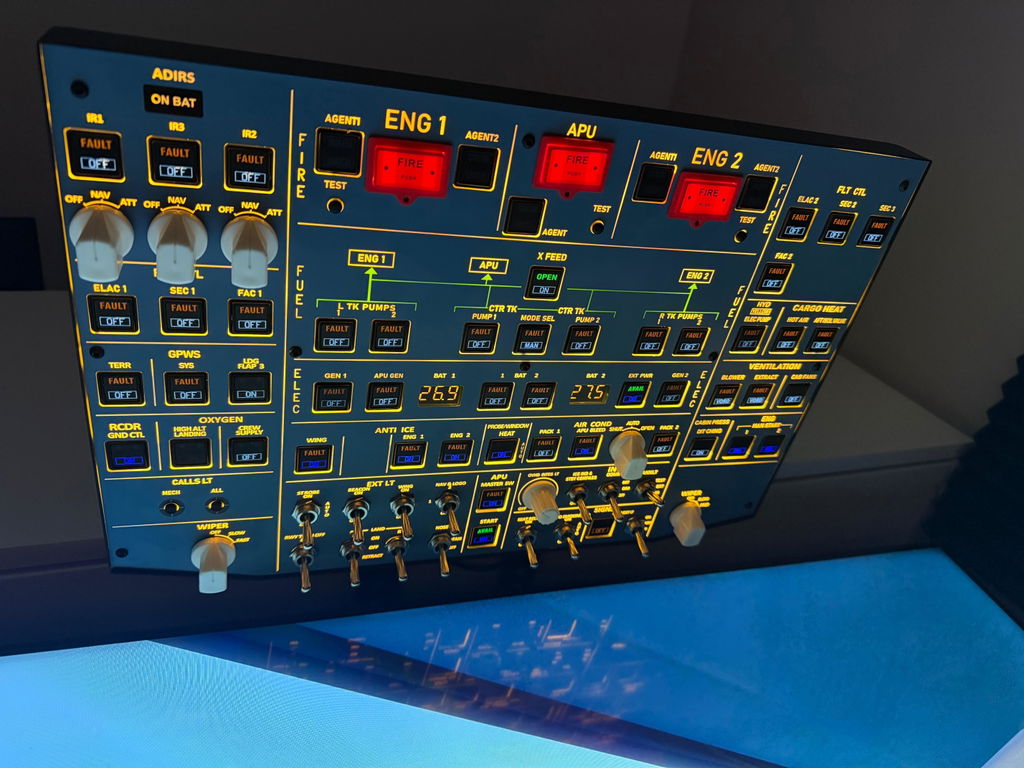
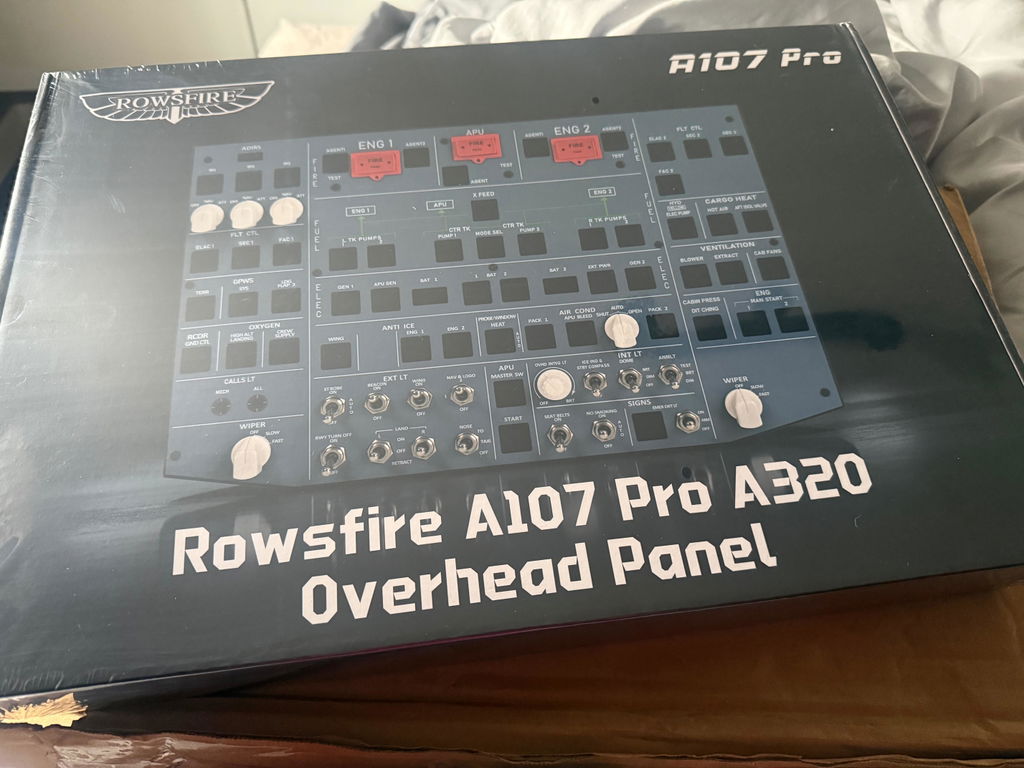
- 💡 Overhead Control Systems
- 🧱 Structural Mounting Frame
Each component plays a critical role in replicating real cockpit operations.
2. Why Modular Cockpit Systems Are Becoming the Standard
Compared to traditional all-in-one setups, modular systems offer:
- Upgrade flexibility (build step-by-step)
- Multi-aircraft compatibility (A320 / B737 / GA aircraft)
- Higher realism and immersion
- Long-term scalability
This makes them ideal for both beginners and advanced sim pilots.
3. How to Start Your First Setup
We recommend starting in this order:
- Flight control panel (MCP / FCU)
- Navigation display system
- Basic switch modules
- Overhead expansion
This ensures a smooth learning curve without overwhelming complexity.

🚀 Start Building Your Own Flight Cockpit
If you are ready to begin building your home cockpit, explore modular flight simulation hardware designed for Airbus-style systems: