

A10 Mini vs A10 Mini V4: What's New?
The A10 Mini is a compact vertical handheld built for fans of classic gaming. With a Linux-based system, broad emulator support, and a pocket-friendly design, it offers a simple way to revisit retro favorites.
The A10 Mini V4 keeps the familiar experience but introduces one important upgrade: a sharper 3-inch, 720 × 540 display. The main change is the screen. The core hardware and overall gaming experience remain the same.
The V4 also works with the ArkOS4Clone system setup, which offers useful features such as automatic saves, manual save states, game favorites, search, and customizable themes.
Let's compare both versions, explore the system features, and look at a few accessories that can complete your setup.
1. Meet the Two A10 Mini Versions

A10 Mini Original
The original 2.8-inch version for straightforward, portable retro gaming.
Shop Original A10 Mini
A10 Mini V4
The upgraded version with a 720 × 540 display and precise GBA pixel scaling.
Shop A10 Mini V4Both versions are available on the same product page. Select your preferred version from the product options.
2. The Biggest Upgrade: A Sharper 720 × 540 Display
The most important difference between the original A10 Mini and the V4 is the display.
The original A10 Mini features a 2.8-inch IPS display with a classic 4:3 aspect ratio. It's a compact way to revisit retro favorites, from GBA adventures to NES platformers and arcade classics.
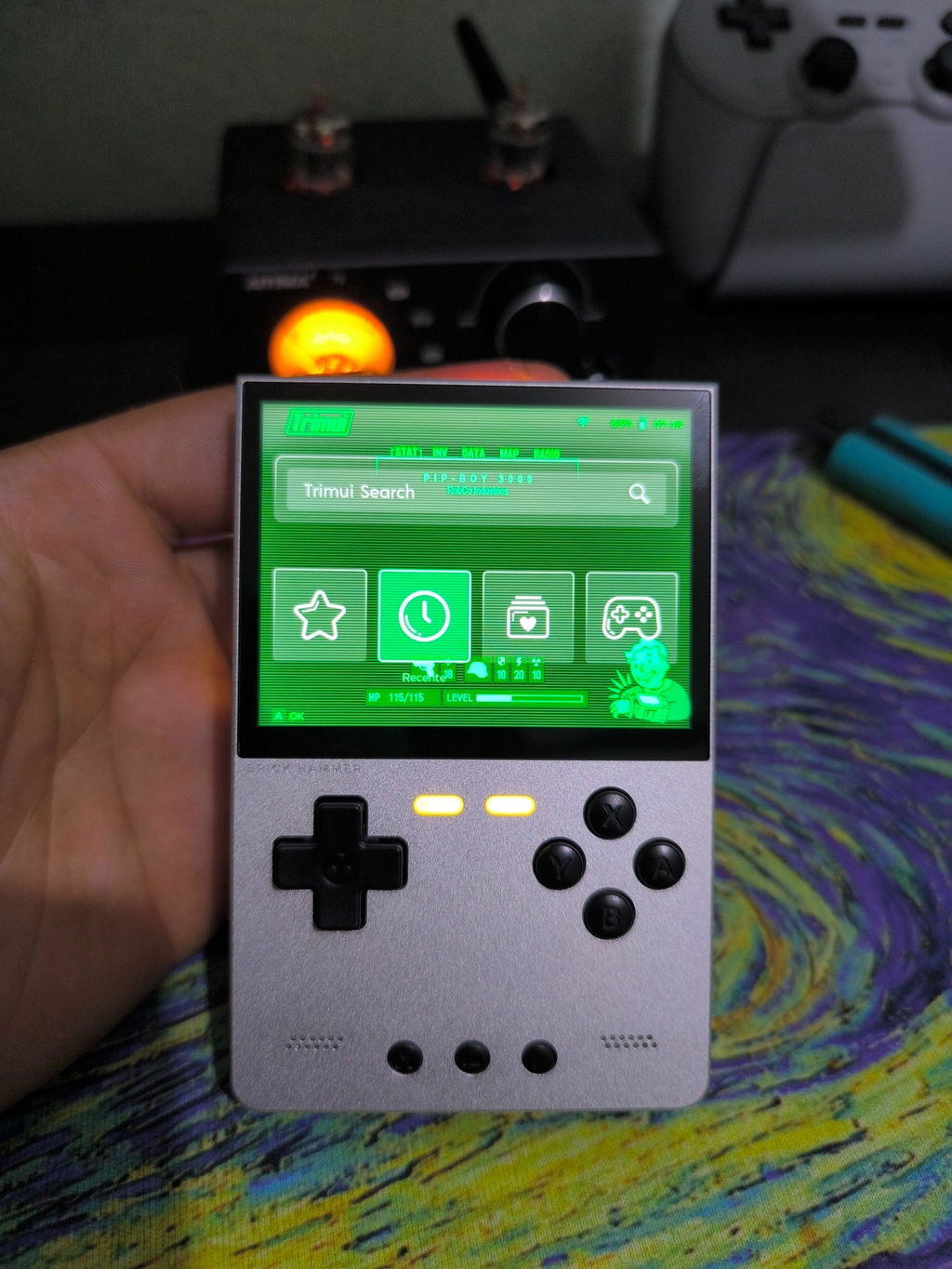
The A10 Mini V4 upgrades to a 3-inch display with a resolution of 720 × 540. It retains the familiar 4:3 format while offering a higher pixel density for finer image details.
For games built around pixel art, a sharper display can make character outlines, menus, and small visual details easier to appreciate. If display clarity is your priority, the V4 is the version to consider.

Display Comparison
| Feature | A10 Mini | A10 Mini V4 |
|---|---|---|
| Screen Size | 2.8 inches | 3 inches |
| Resolution | Original display | 720 × 540 |
| Aspect Ratio | 4:3 | 4:3 |
| Main Difference | Original screen | Higher-resolution display |
3. GBA Games at 3× Integer Scaling
One standout benefit of the A10 Mini V4's 720 × 540 display is its suitability for 3× integer scaling with Game Boy Advance games.
The original GBA resolution is 240 × 160 pixels. Multiplying both dimensions by three produces a 720 × 480 image. Each original pixel can be represented by a consistent 3 × 3 block of display pixels, helping preserve clean pixel shapes without uneven fractional scaling.
On the V4's 720 × 540 screen, a 720 × 480 GBA image can be centered with additional vertical space. For pixel-art fans, this helps preserve the visual structure of the original artwork rather than simply stretching it to fill the screen.

Actual scaling depends on the emulator and display settings. The 3× calculation refers to the original 240 × 160 GBA resolution.
4. ArkOS4Clone: A More Organized Retro Gaming Experience
The A10 Mini V4's compatible SD card setup uses ArkOS4Clone, a system configuration that adds useful tools for browsing and managing your retro game library.
Instead of treating your collection as a simple list of files, the system provides features that help you find games, organize favorites, and manage save states during play.
Automatic Saving and Manual Save States
Want to pick up where you left off? The system supports automatic saving, along with manual save and load functions. These options can make it easier to continue a game or save your progress at a point you want to revisit.
Save behavior can vary by emulator and game, so it's still a good idea to use manual saves when you reach an important milestone.
Five Built-In Themes
With five built-in themes, you can change the look of the interface to suit your preferences. It's a small but welcome way to personalize the handheld without changing its hardware.
Game Lists Organized by Emulator
The system automatically generates game lists for each supported emulator. This keeps different gaming systems organized, making it easier to browse your collection without manually building every list from scratch.
Favorites, Custom Favorites, and Search
- Game favorites: Mark games you want to return to more often.
- Custom favorites: Personalize your favorites collection to suit your own gaming habits.
- Game search: Find a title more quickly instead of scrolling through a long list.
Together, these features make the software experience more convenient for players with a growing retro library.
5. SD Card Setup: What Should You Know?
The SD card plays an important role in storing system files and organizing compatible game files, depending on your setup. If you choose a card configured for ArkOS4Clone, the system features described above depend on using a compatible card and software image.
- Check the selected option: Confirm whether your product configuration includes an SD card or is sold without one.
- Back up your card: Keep a backup before changing system files or formatting the card.
- Keep game files organized: Follow the folder structure required by the relevant emulator or system.
- Use compatible game files: The no-SD-card version does not include a game library. Add game files that you legally own and are permitted to use.
The supplied specifications list dual TF card slots and support for compatible cards up to 256GB per slot. Actual use depends on card compatibility and the software setup.
Important: The V4's main hardware upgrade is the screen. ArkOS4Clone features depend on the compatible system and SD card configuration, not on a new processor or additional RAM.
6. What Stays the Same?
Beyond the display, the A10 Mini V4 retains the original model's core hardware and overall gaming experience. The upgrade is focused on visual clarity rather than a new performance platform.
- CPU: Quad-core Cortex-A35.
- GPU: Dual-core Mali-G31 MP2.
- Memory: 1GB LPDDR RAM.
- Operating system: Linux-based system.
- Emulator support: Compatible systems include GBA, GBC, NES, SNES, Genesis, arcade platforms, and PS1.
- Wireless: Wi-Fi connectivity with support for compatible local multiplayer.
- Battery: 2000mAh rechargeable battery, rated for up to five hours depending on usage.
- Charging: USB-C.
- Audio: 3.5mm headphone jack.
- Storage expansion: Dual TF card slots.
Both versions are listed at approximately 108g, making them easy to carry in a pocket or bag. Actual compatibility and game performance vary by emulator, software configuration, and title.
7. Three A10 Mini Accessories Worth Considering
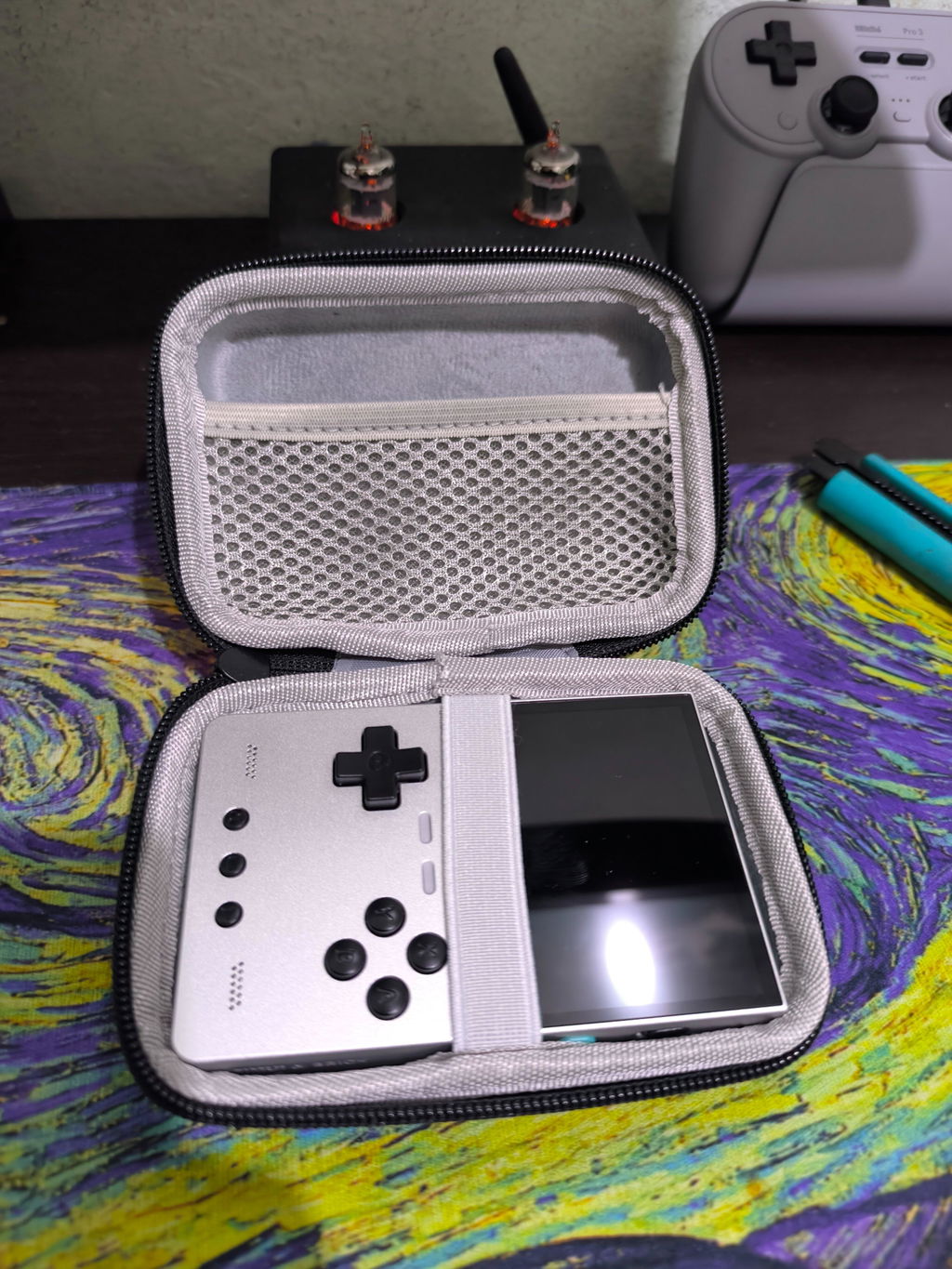
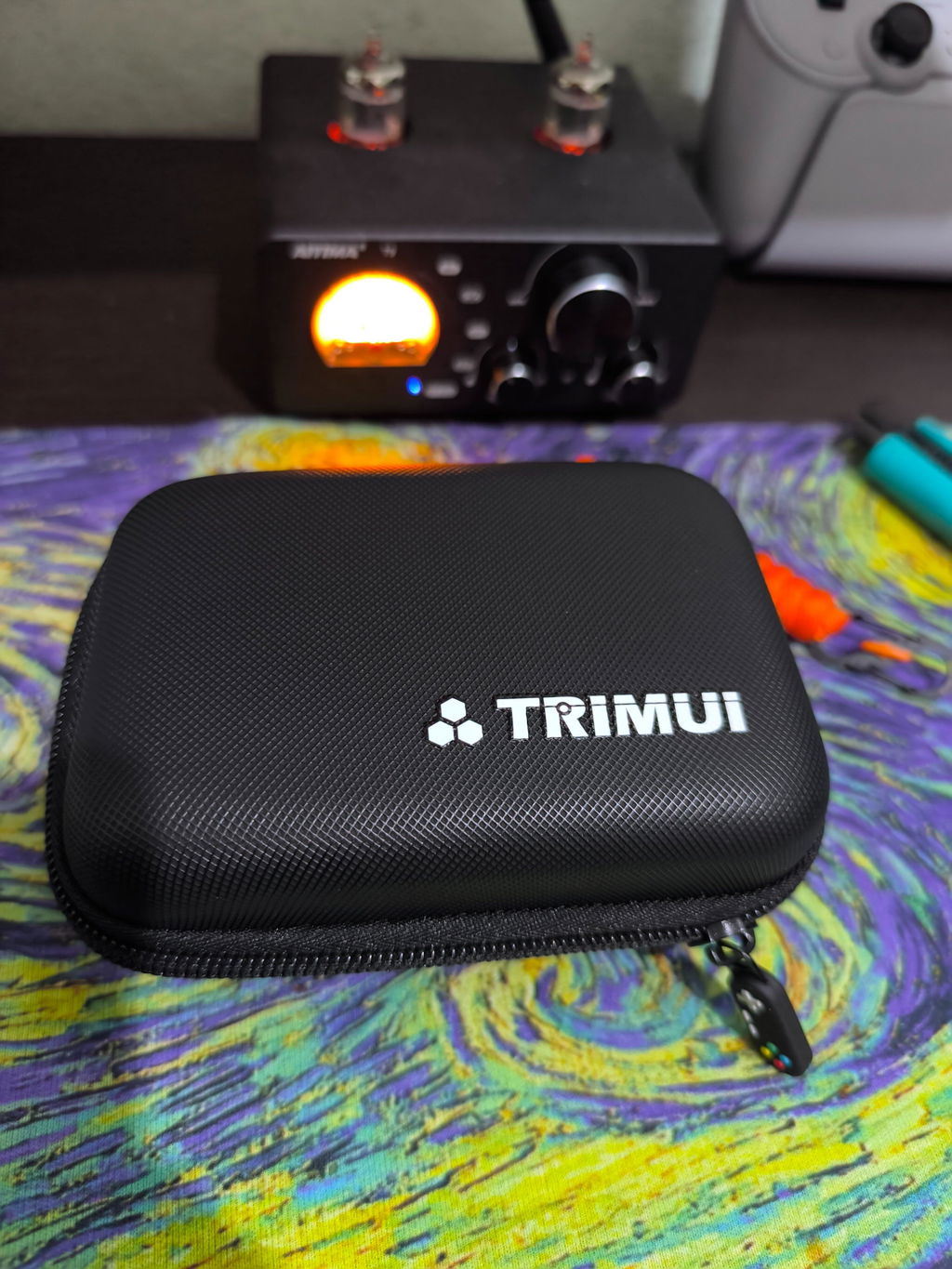
A good handheld setup isn't just about the console. A storage bag, a charging dock, or a grip can make it more convenient to carry, charge, and hold your A10 Mini.

A10 Mini Storage Bag
Taking your handheld on a commute, a trip, or just out of the house? A dedicated storage bag gives you a convenient way to carry your console and keep your setup together when you're not playing.
It's a practical accessory for keeping your portable gaming gear organized between sessions.
Shop Storage Bag
3D-Printed Magnetic Charging Dock
Give your handheld a dedicated place to rest between gaming sessions. The magnetic charging dock is designed to make charging more convenient and keep your A10 Mini neatly positioned on your desk.
It's a useful option if you regularly play at home and want your console ready for the next session.
Shop Magnetic Charging Dock
A10 Mini Grip
Prefer a more substantial hold during longer gaming sessions? The grip adds a different feel to the compact handheld and is worth considering if you want a more supported way to hold your console.
Choose accessories designed for the A10 Mini and confirm compatibility with your selected version before ordering.
Shop A10 Mini GripGood to know: A10 Mini accessories are compatible with the A10 Mini V4, so upgrading the console doesn't mean you need to replace your compatible accessories.
8. Which A10 Mini Should You Choose?
Choose the Original A10 Mini If...
- You want a compact vertical handheld for everyday retro gaming.
- You prefer the original 2.8-inch display.
- You want a straightforward way to revisit classic games.
Choose the A10 Mini V4 If...
- You want a larger, sharper 3-inch display.
- You appreciate the finer details of classic pixel art.
- You want a 720 × 540 screen suitable for 3× integer scaling with GBA games.
- You want the display upgrade while keeping compatible accessories.
- You want to use the compatible ArkOS4Clone setup with its save functions, themes, game lists, favorites, and search.
Same Retro Spirit. A Sharper New View.
The original A10 Mini keeps classic gaming simple and portable. The A10 Mini V4 adds a 720 × 540 display while retaining the familiar core hardware and overall gaming experience.
Pair your handheld with a compatible ArkOS4Clone setup and the accessories that fit your gaming routine.
Explore A10 Mini V4 Explore A10 Mini AccessoriesGet 15% OFF Your A10 Mini V4
Ready to upgrade your retro gaming experience? Use the exclusive discount code below to save on your A10 Mini.
Discount Code: Alexvip
SHOP A10 MINI V4 — SAVE 15%Enter code Alexvip at checkout to redeem your discount.